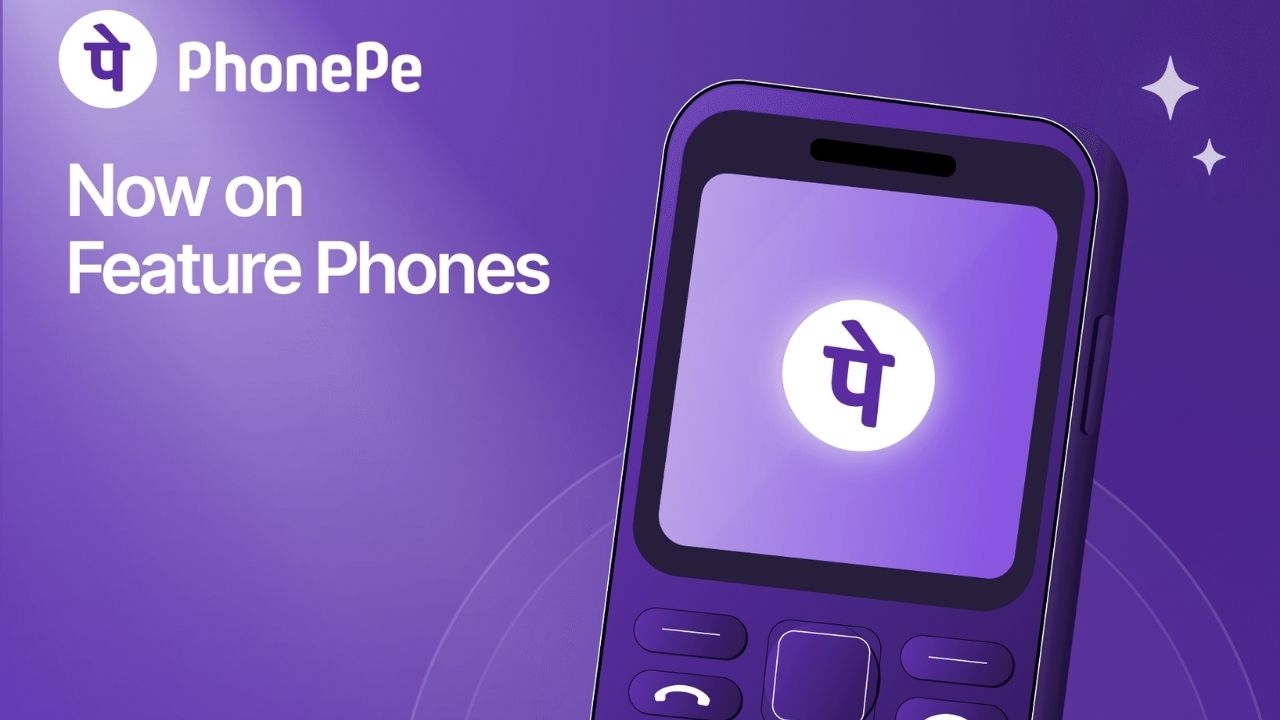
PhonePe has expanded UPI payments to feature phones with the launch of UPI 123Pay, allowing users to make digital payments without an internet connection. The service is now available on selected feature phones across India. It is designed for users who rely on basic handsets and may not have regular access to smartphones or mobile data.
According to PhonePe, UPI 123Pay uses SMS-based technology to process transactions. It can also work in areas with limited 2G connectivity, making digital payments more accessible to feature phone users.
How PhonePe UPI 123Pay works on feature phones
UPI 123Pay allows users to carry out several basic UPI transactions from compatible feature phones. These include sending money to another person, making merchant payments, checking bank balances and viewing transaction history.
Read More | MeitY PhonePe Partnership to Bring Transaction Data Into PM GatiShakti Planning
Users can send money using a mobile number, a saved contact or a UPI ID. Feature phones with a camera can also scan QR codes and make payments. The service does not require an internet connection for transactions. Users still need to verify the recipient, enter the payment amount and authenticate the transaction with their UPI PIN.
Which feature phones support PhonePe UPI 123Pay?
PhonePe UPI 123Pay is initially available on selected feature phones from HMD, Nokia, Lava International and Itel Mobile. HMD has confirmed support for models including the HMD 105 2G, HMD 110 2G, Nokia 105 Classic, Nokia 105 Single SIM, Nokia 105 Dual SIM, Nokia 106 and Nokia 123 Shield. PhonePe is expected to extend support to more feature phone models in the coming months.
Read More | PhonePe Launches AI Tool to Reduce Internal Processes from Weeks to Minutes
How to set up UPI 123Pay
Users can register for the service through the pre-installed PhonePe app on compatible feature phones. During the setup process, users need to accept the terms and conditions, select their bank and enter the last six digits of their debit card along with its expiry date. They can then create a UPI PIN to complete the registration.
Read More | PhonePe and OpenAI Join Forces to Transform User Experience
PhonePe is also offering an AI-powered voice helpline to assist users during the setup process. The helpline supports English and 12 Indian languages and provides step-by-step guidance for basic UPI queries.
More UPI features planned for feature phones
PhonePe plans to add more services to UPI 123Pay in future updates. These are expected to include bill payments, mobile recharges and Aadhaar-based UPI registration. The move could make digital payments more accessible to India’s large feature phone user base. PhonePe said the service is aimed at bringing UPI to more than 200 million feature phone users across the country.

Indrani Priyadarshini is a journalist and editorial professional specialising in technology, artificial intelligence, smart cities, green energy, and digital transformation. With over four years of experience in tech journalism and digital media, she is known for turning complex industry developments into clear, engaging, and insightful stories. Her expertise spans reporting, editorial strategy, digital publishing workflows, and in-depth coverage of emerging technologies shaping the future.