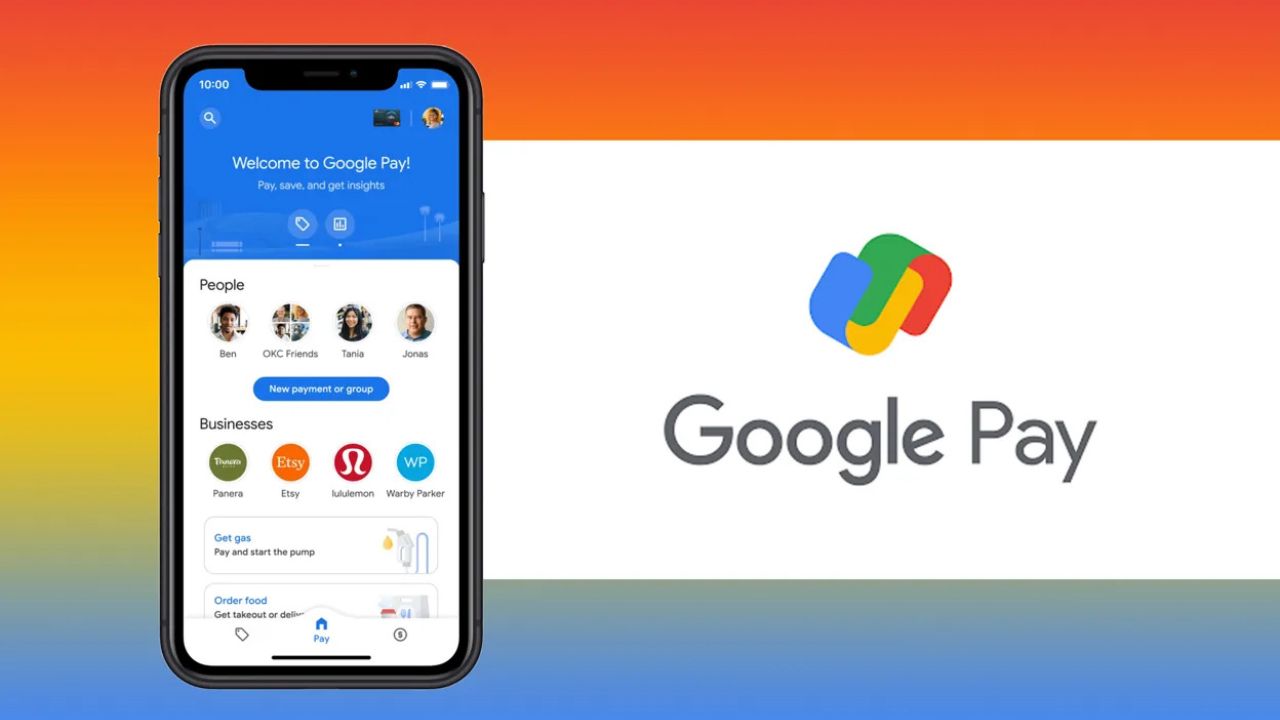
Google Pay has rolled out a new feature called Pocket Money under its UPI Circle framework, aimed at making digital payments more accessible for people who may not have their own bank accounts. The feature is designed for dependents such as children, elderly family members, or even household staff, allowing them to make payments through a primary user’s account, with clear limits and controls in place.
Read More | Fintech India Innovation Awards 2026: A Look at this Year’s Standout Performers
What is Pocket Money?
Pocket Money is built on UPI Circle, a system that allows one user to extend controlled payment access to others. In this setup, the primary user links their bank account, while secondary users can initiate transactions using that account. Unlike traditional methods, where money needs to be transferred beforehand, this feature allows payments to be made directly from the primary account. The level of control remains with the primary user, who can decide how much freedom the secondary user has when making transactions.
Google Pay currently allows up to five secondary users to be linked to a single account, making it practical for families or small groups managing shared expenses.
How the Feature Works
The system offers two modes of delegation, giving users flexibility based on their preferences:
- Full Delegation Mode: The primary user sets a monthly spending limit of up to ₹15,000. Within this cap, the secondary user can make payments independently without needing approval for each transaction.
- Partial Delegation Mode: Every payment request must be approved by the primary user. The secondary user initiates the transaction, and it is processed only after approval is granted.
This dual structure ensures that users can strike a balance between convenience and oversight.
Setting Up Pocket Money
To get started, users need to access the UPI Circle section within the Google Pay app. From there, they can choose the Pocket Money option and select a contact to add as a secondary user. The selected person must already be registered on Google Pay. The setup involves scanning a UPI Circle QR code and choosing the preferred delegation mode. For those opting for full delegation, additional details such as the relationship with the secondary user and their government ID are required for KYC compliance.
Read More | AI Summit 2026: NPCI Extends ‘UPI One World’ Wallet to International Delegates
Once the details are submitted, an invitation is sent. The setup is completed after the primary user verifies the request using their UPI PIN.
Making Payments
After activation, secondary users can begin making payments both online and offline. They can scan QR codes, pay via phone numbers or UPI IDs, or select Google Pay during online checkout. In full delegation mode, payments are processed instantly within the assigned limit. In approval-based mode, the primary user receives a notification and must authorise the transaction within a specified time window. All transactions remain visible to both users, ensuring transparency and easy tracking.
Availability and Limitations
The feature currently supports payments through QR codes, phone numbers, UPI IDs, and online platforms. However, services such as bill payments and mobile recharges are not yet included. There is also a short cooling-off period after adding a secondary user. During the first 24 hours, transaction limits are lower before standard limits come into effect.
Read More | India Overtakes the World in Digital Payments: UPI’s Global Lead Is Unmatched
A Step Toward Shared Digital Access
With Pocket Money, Google Pay is moving toward a more inclusive payments ecosystem, one that accommodates users who may not directly manage bank accounts but still need access to digital transactions. By combining ease of use with built-in safeguards, the feature addresses a practical gap in everyday financial management.

Indrani Priyadarshini is a journalist and editorial professional specialising in technology, artificial intelligence, smart cities, green energy, and digital transformation. With over four years of experience in tech journalism and digital media, she is known for turning complex industry developments into clear, engaging, and insightful stories. Her expertise spans reporting, editorial strategy, digital publishing workflows, and in-depth coverage of emerging technologies shaping the future.